Rapor dönemi
Dönemi manuel olarak ayarlayın veya önerilen seçeneklerden birini seçin. Dönemi manuel olarak ayarlarken takvimde gerekli aralığı seçebilirsiniz:
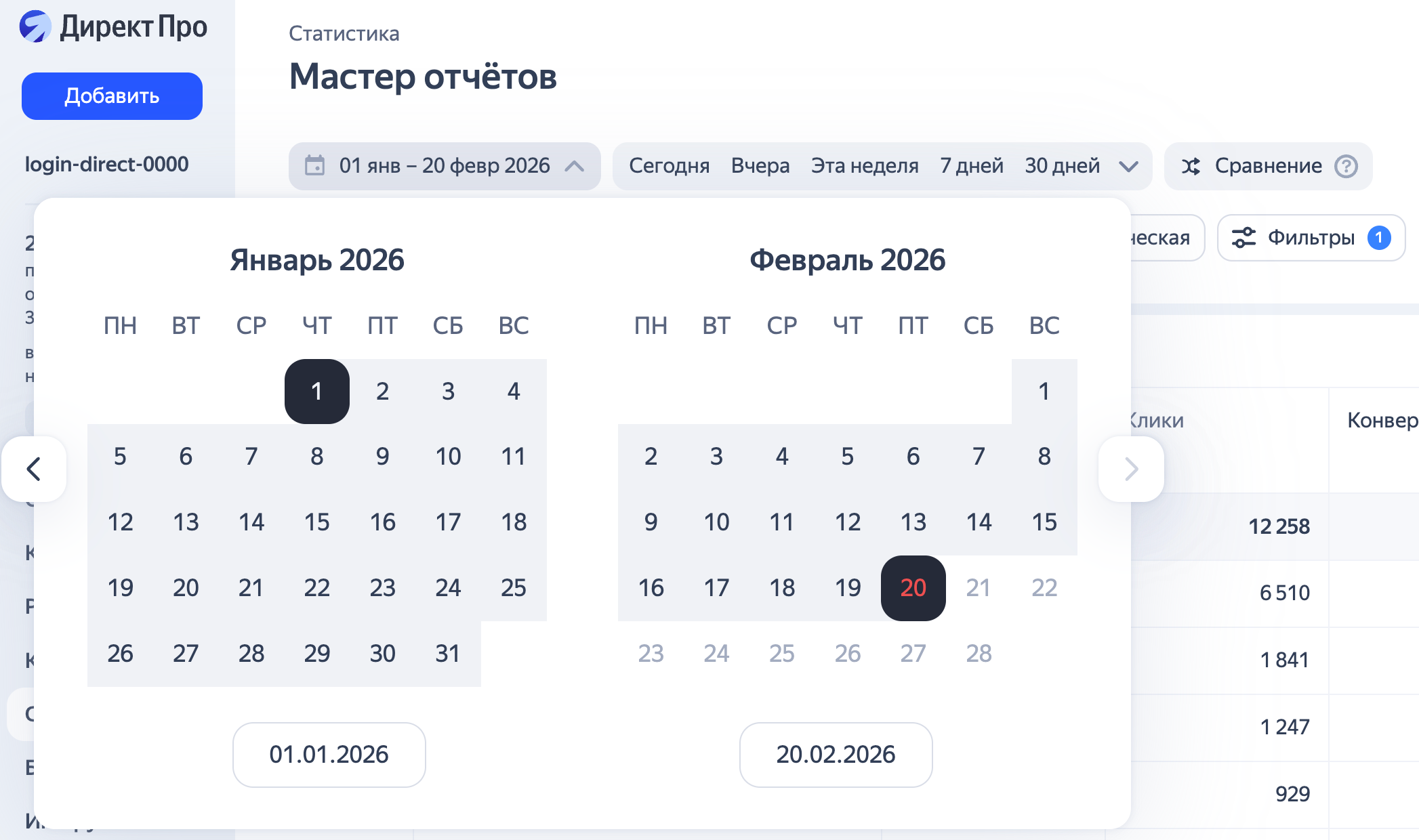
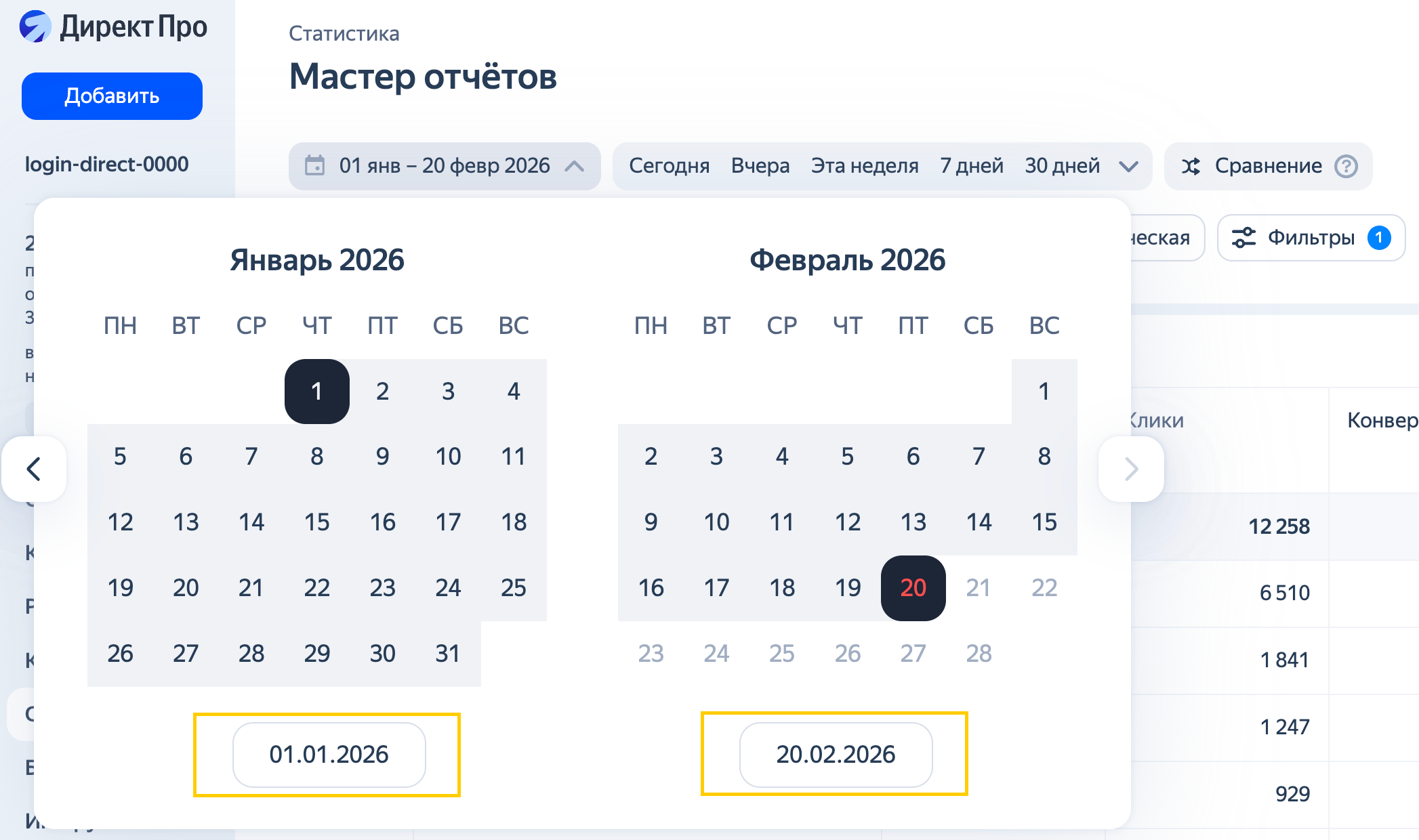
Veya takvimin altında belirli tarihleri belirtin:
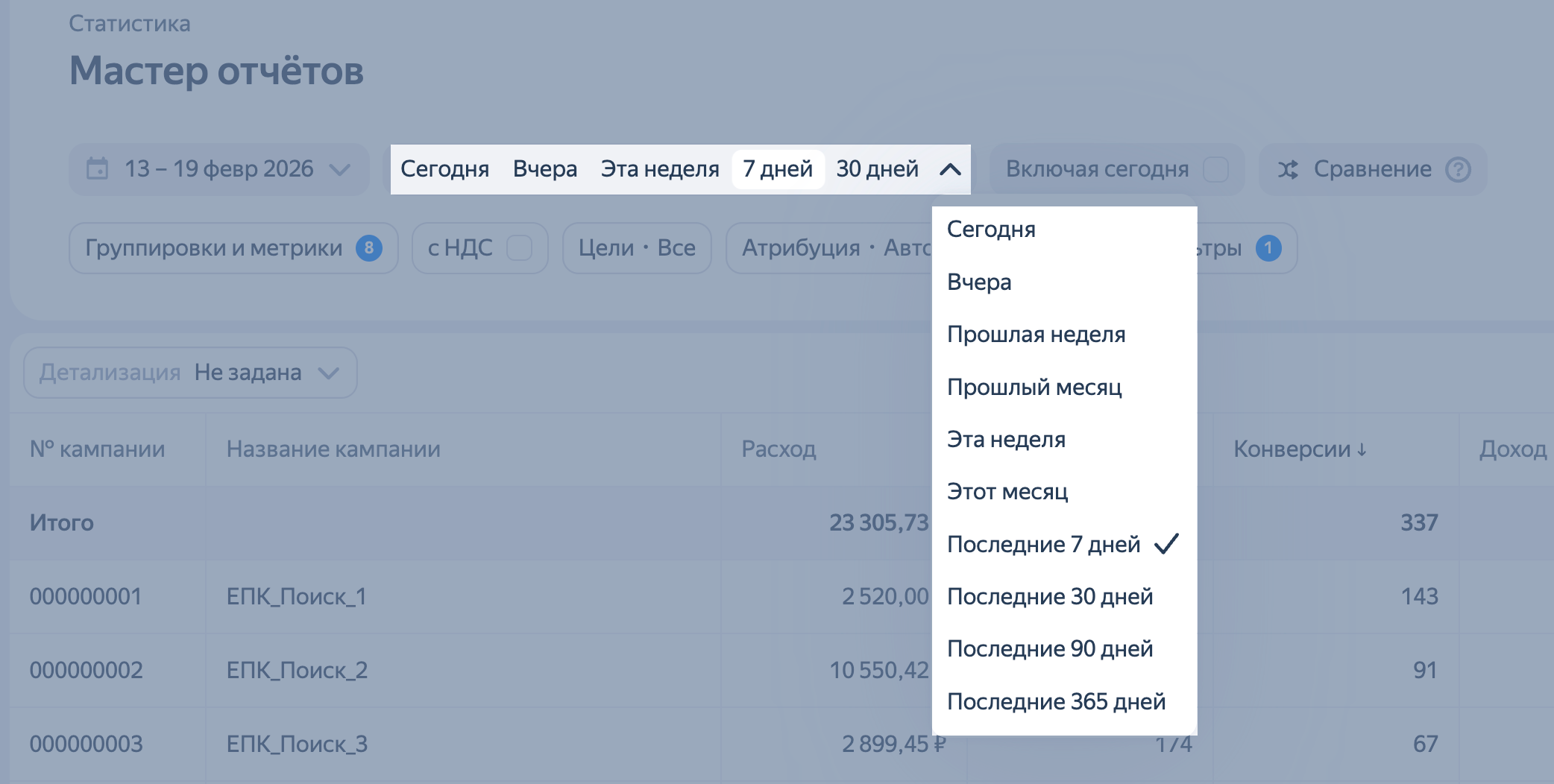
Hazır bir dönem kullanmak istiyorsanız yatay menüden veya açılır listeden gerekli dönemi seçmeniz yeterlidir.
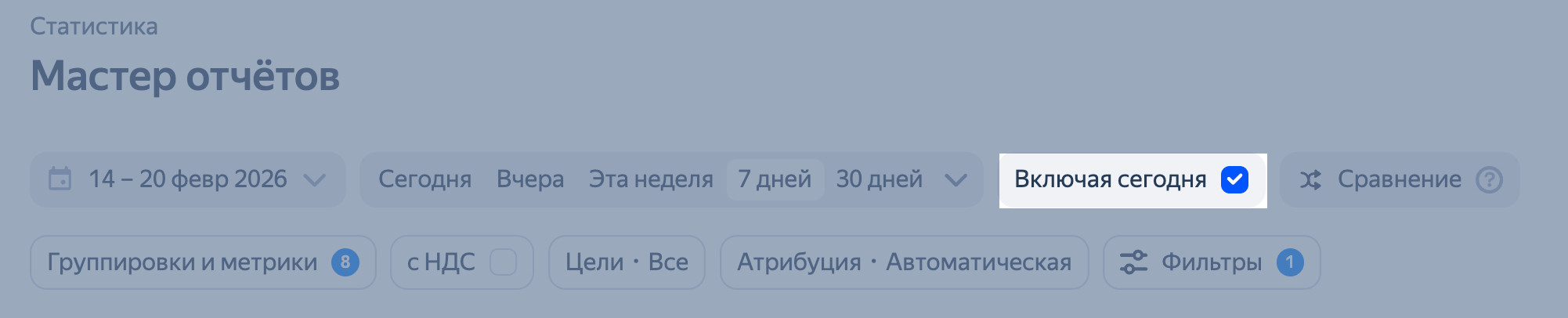
Bugünün verilerini rapora dahil etmeniz gerekiyorsa Bugünü Dahil Et seçeneğini kullanın. Örneğin, 10 Nisan’da bugün dahil son 7 gün için veri talep ederseniz, rapor 4 ile 10 Nisan arasındaki verileri içerecektir. Bugün hariç, 3-9 Nisan tarihleri arasındadır.
Raporda yer alan temel veriler son üç yıl için kullanılabilir, eksiksiz arama sorgusu verileri ise son altı ay için mevcuttur. Daha uzun bir dönem için istatistikler eksik olabilir. Böylece gösterim sayısı, tıklamalar ve diğer ölçümler doğru olacaktır, ancak sorgu metni bazı açık artırmalar için tanımlanmayabilir.
Başka sorunuz var mı?
Dikkat
Müşteri Hizmetleri uzmanı, siz hangi kullanıcı adından iletişime geçtiyseniz yalnızca o kullanıcı adından başlatılmış olan kampanyalarla ilgili danışmanlık verebilir. Kullanıcı adı, ya.ru’yu komşu tarayıcı sekmesinde açarsanız görülebilir. Uzman, verilerinize yalnızca talebi işlerken erişebilecektir.
QR kodunu tarayın veya bağlantıya gitmek için koda tıklayın.