Instant authorization technology
Users can log in to your website with their Yandex accounts. To provide this option, add one of the two authorization components to your page: an instant login widget or a button.
- If the user is already logged in to their Yandex account on the current device, the widget or button will show their profile picture and name to continue authorizing on your website.
- If the user isn't logged in to their Yandex account yet, they can authorize using the widget or button.
After confirming the login, the user is redirected to the OAuth authorization screen with a list of data it grants your app access to.
Authorization component's appearance
You can use an instant login widget or a login button to let users access your service.
Tip
Use the widget to improve conversion on your website.
An instant login widget is a pop-up window on your website that enables the user to log in with their Yandex account.
-
If the user is authorized:
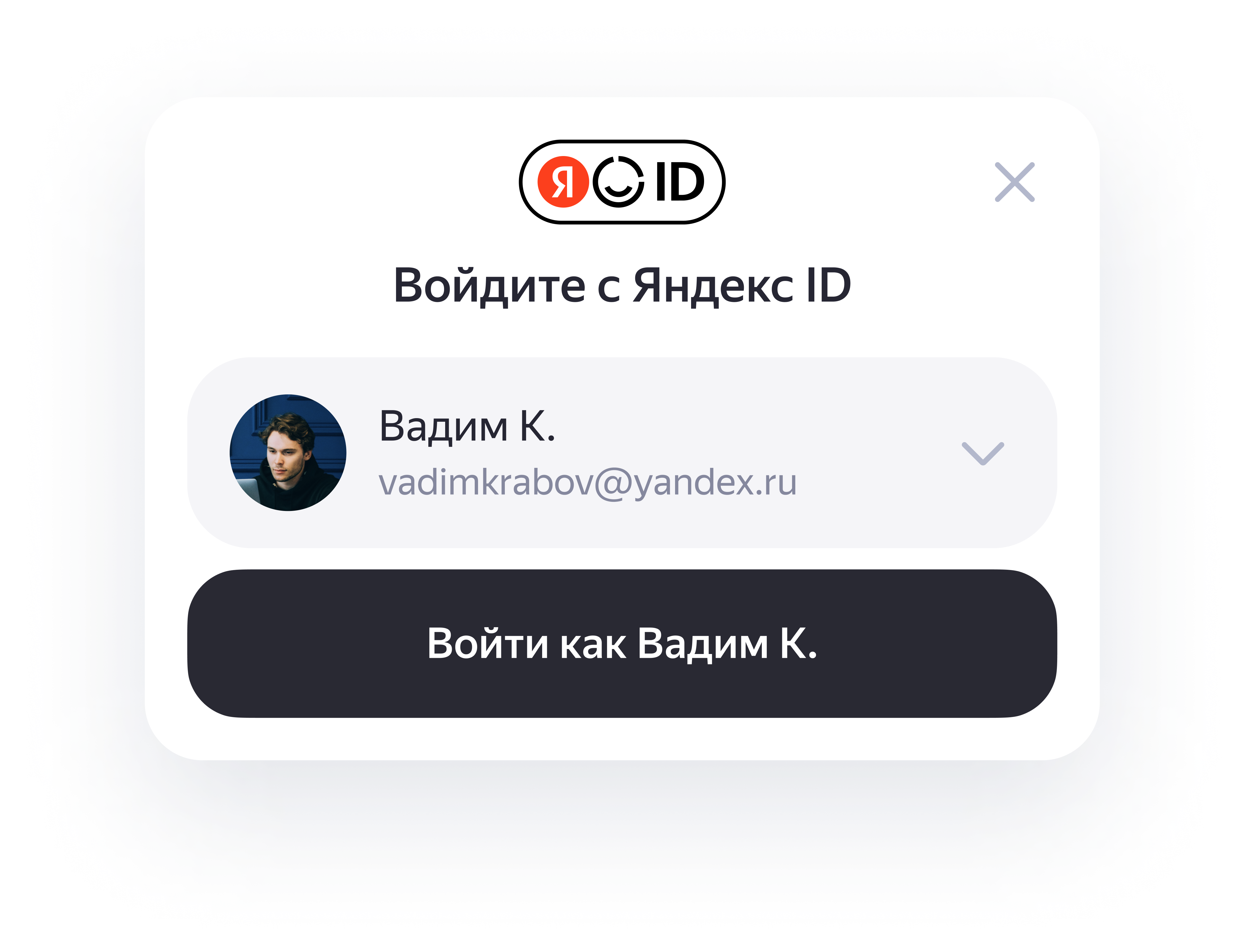
-
If the user isn't authorized:
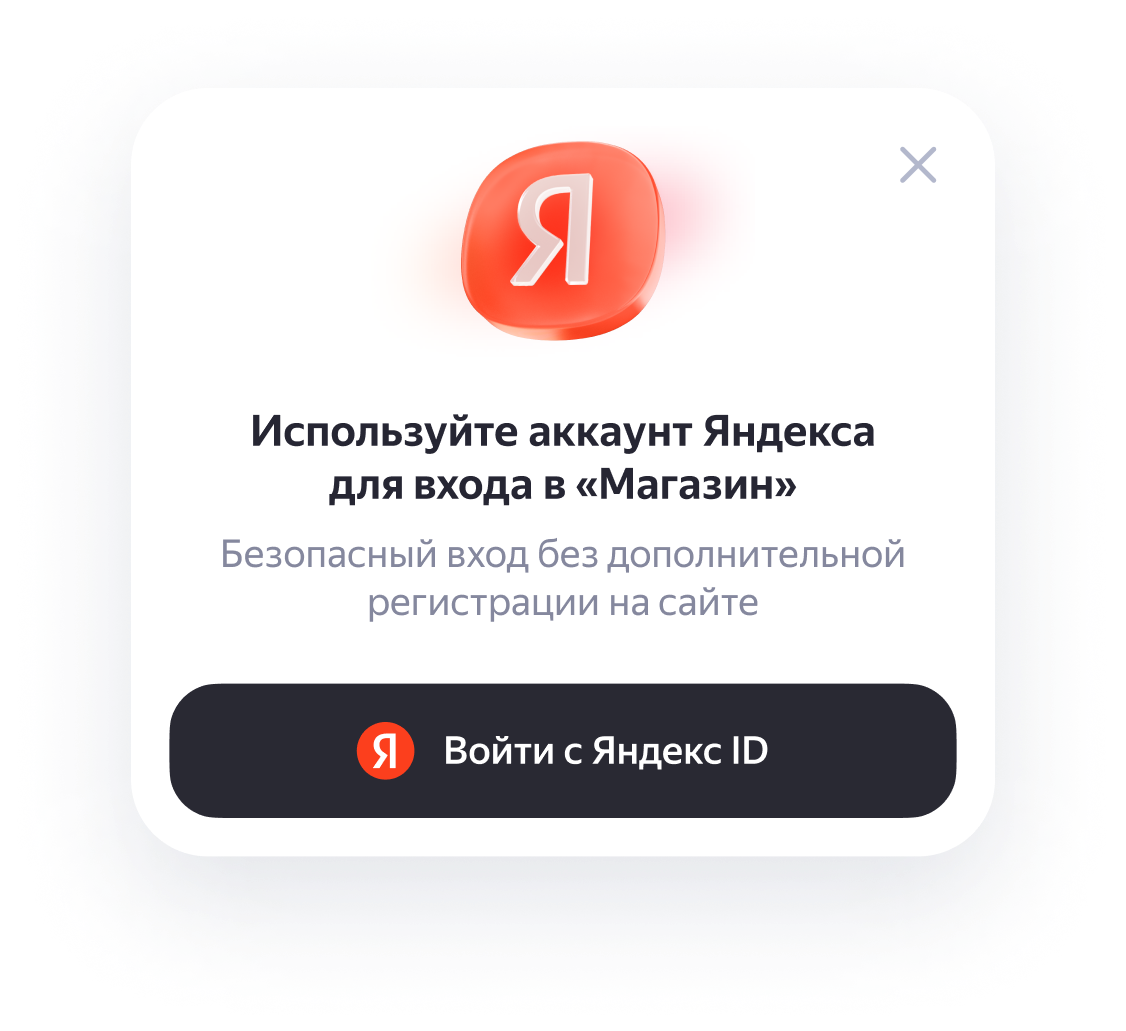
A login button is a button element for quick login to Yandex ID.
You can add different button versions to your website:
-
A personal button.
The personal button's appearance depends on whether the user is logged in to their Yandex account on the current device.-
If the user is authorized:
-
If the user isn't authorized:
-
-
An icon button with the Yandex logo.
This version is used when there's not enough space for a full-size button. Include a "Log in with" text description in the icon button's container.
Restrictions
Instant authorization won't work if the user's browser is set to:
-
The iframe is blocked.
-
Disable JavaScript.
Additionally, the widget won't work if the following settings are used in the browser:
-
Third-party cookies are blocked.
-
Cookies are completely disabled. In this case, an error will be returned when invoking YaAuthSuggest.init.
Without cookies, you can only use a login button.