About
Yandex ID — is a single account to access all Yandex services. API Yandex ID you can set up user authorization via the OAuth 2.0 protocol on your website or in your mobile app.
API Yandex ID makes interaction with your website easier:
- Users can authorize with their Yandex account. They won't have to create a new account and fill out additional forms.
- Developers will be able to identify the user and use information from their Yandex account to personalize the app's content and interface. Permissions granted to each app are limited to those that were specified by the developer when registering the app.
- You can use the instant authorization technology for a website or the SDK Yandex ID library for mobile devices to implement the login system.
See OAuth implementation at Yandex for information about the basic OAuth concepts and the features specific to Yandex.
Tip
To make your service more trustworthy to users, verify your account via Gosuslugi.
How it works
- When authorizing in your app, the user chooses logging in with their Yandex account.
Screenshot
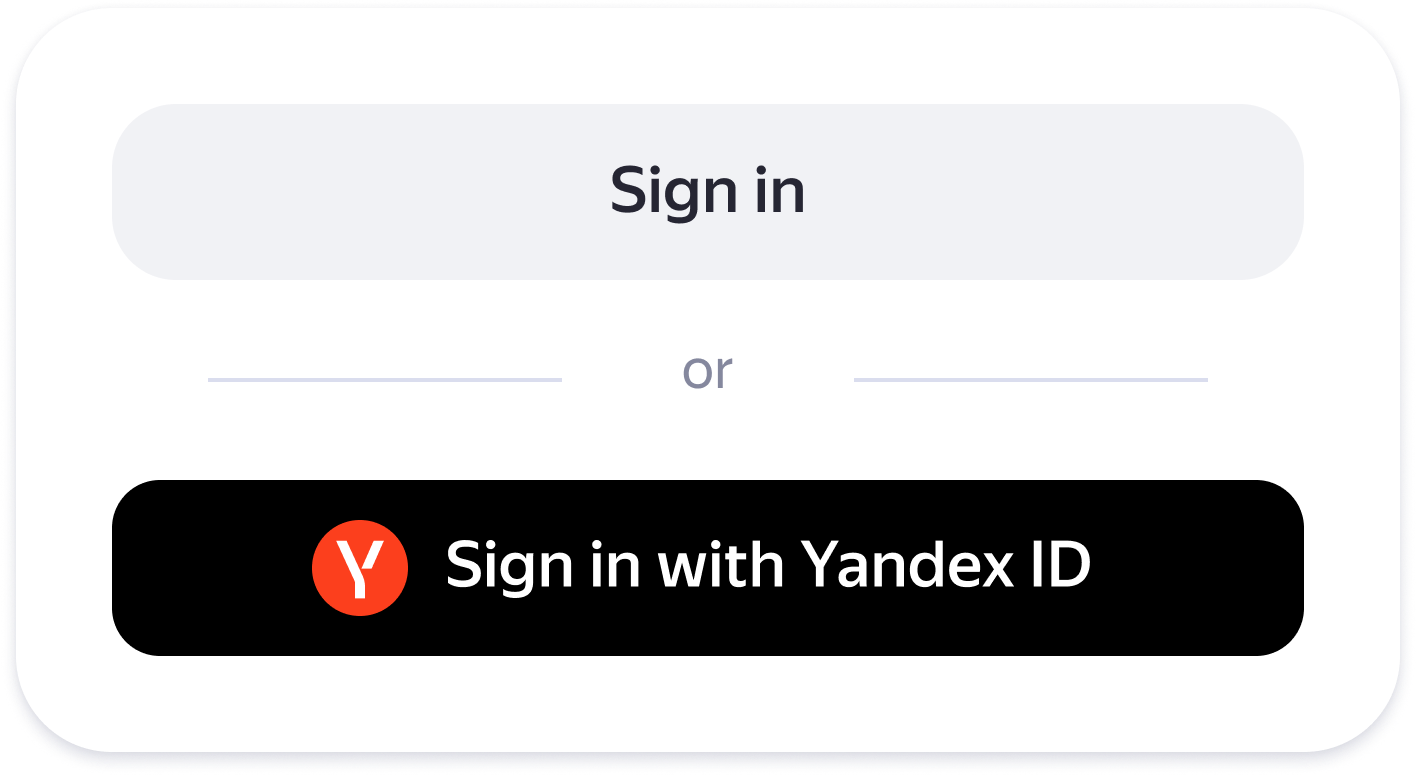
- The app connected to API Yandex ID redirects the user to Yandex OAuth and requests access to their Yandex account data. The user confirms logging in with their Yandex account and allows access to their data.
Screenshot
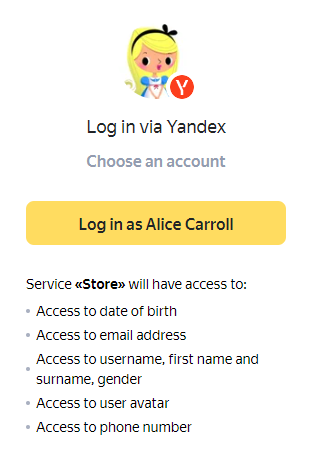
-
The app obtains an OAuth token with permissions enabling it to access API Yandex ID. Then a request can be sent to API Yandex ID to retrieve the following user data:
- Login, first name, last name, and gender.
- User's profile picture.
- Email address.
- Phone number.
- Date of birth.
-
The app sends a request to API Yandex ID specifying the OAuth token it received and gets the unique user ID and their data.
-
The app authorizes the user using the settings and content linked to the ID it received. This way, Yandex users get an account in your app without creating a new account.