Getting an OAuth token
Set up working with the OAuth protocol so that users can authorize on your website or service page. To do this, you need an OAuth token.
An OAuth token allows you to access Yandex services on behalf of a specific user if they consented to it. Request a token for each new user who logs in to your service via Yandex.
Select a method for obtaining a token depending on your service's platform:
-
Instant authorization technology is used for web services.
With the instant authorization technology, you can add a login button or an instant login widget to your website. To do that, you need to link a JS script to the login page.
Use an interactive button generator to customize the login button's appearance and copy the resulting script code to your page. -
SDK Yandex ID is used for mobile apps.
With the SDK Yandex ID libraries, you can configure OAuth authorization via Yandex accounts for iOS and Android.
There are also methods for obtaining tokens via API requests, but we don't recommend them:
-
Request an OAuth token in exchange for a confirmation code. This method allows you to enable authorization on various platforms, including console apps and multimedia devices such as Smart TV. The user allows access to get the data stored in their Yandex ID profile with the verification code.
-
Use a debug token — This method is meant for apps at the development or testing stage. You don't need a verification code to get a debug token.
The received token can be saved in the app and used for requests until its lifetime expires. The token should only be available to your app, so we don't recommend saving it in the browser or open configuration files.
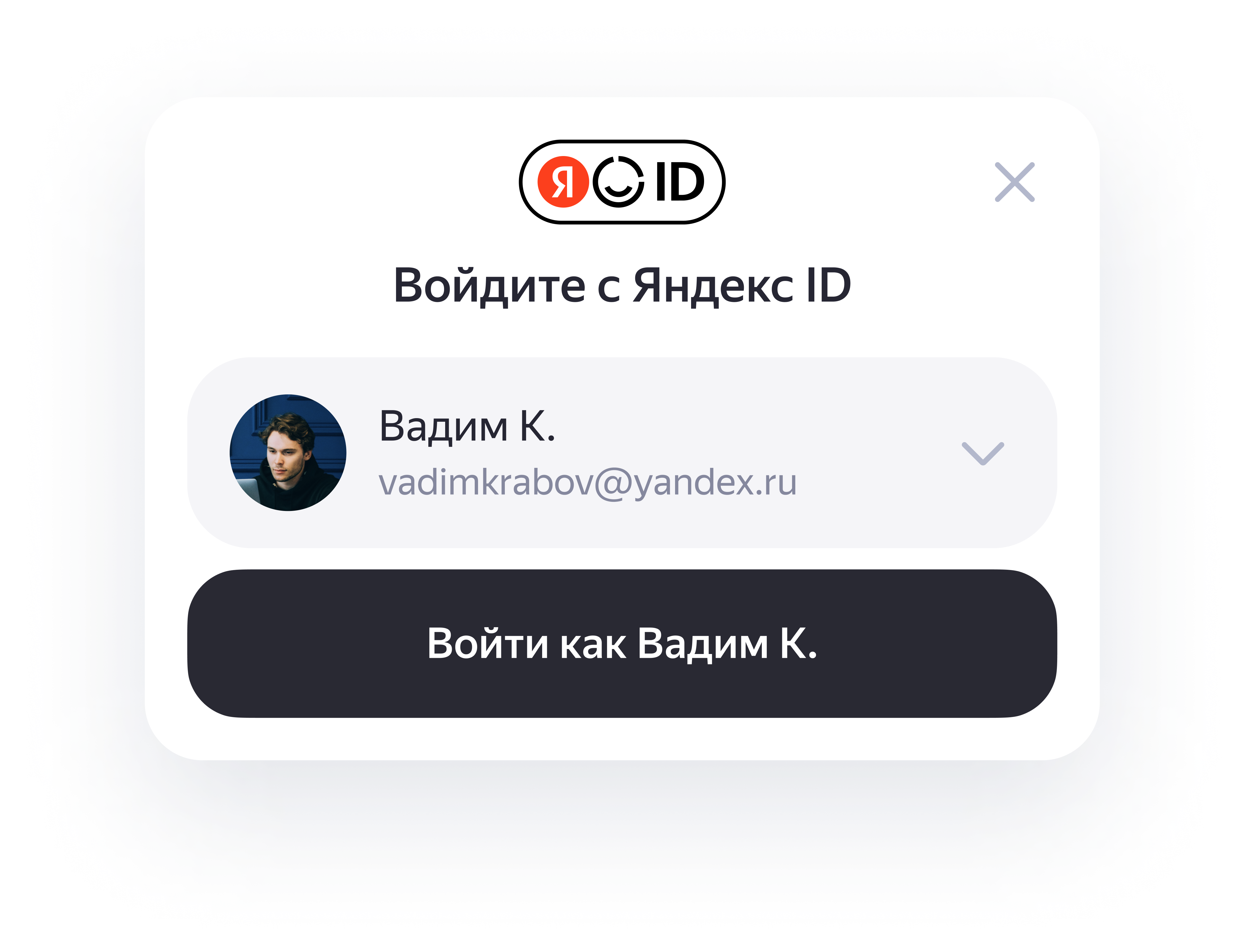
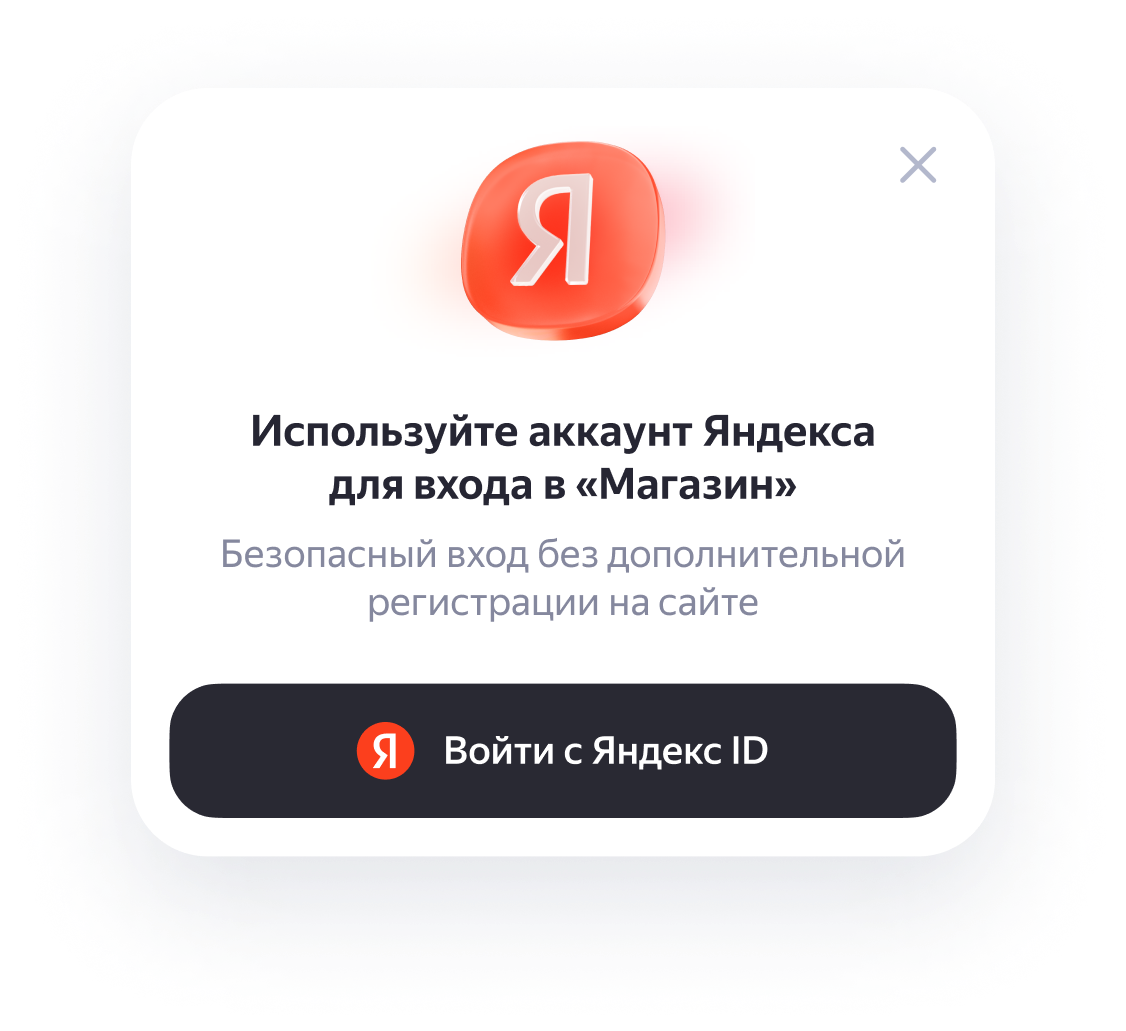
An instant login widget is a pop-up window on your website that enables the user to log in with their Yandex account.
-
If the user is authorized:
-
If the user isn't authorized:
A login button is a button element for quick login to Yandex ID.
You can add different button versions to your website:
-
A personal button.
The personal button's appearance depends on whether the user is logged in to their Yandex account on the current device.-
If the user is authorized:
-
If the user isn't authorized:
-
-
An icon button with the Yandex logo.
This version is used when there's not enough space for a full-size button. Include a "Log in with" text description in the icon button's container.