Making a dashboard your start page
You can set any dashboard as your Tracker start page. This is especially convenient at the beginning of your workday — you'll see all important updates on a single screen instead of searching through different sections.
In dashboard settings
In Tracker settings
At the top of the dashboard, click → Set as start page.
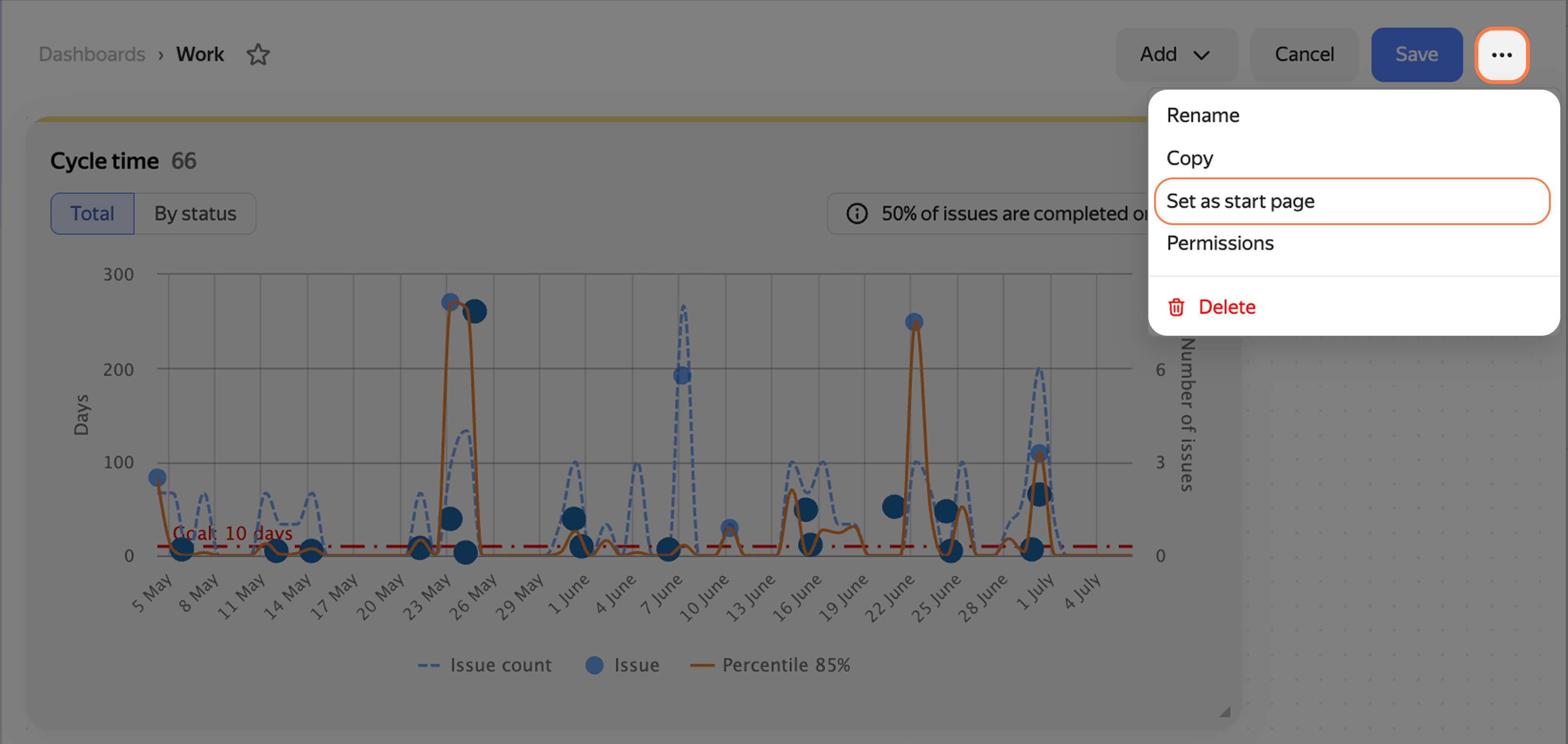
Dashboard settings
- In the left panel, click Settings → Interface.
- Under Start page, select Dashboard.
- In the list on the right, select the dashboard you need.
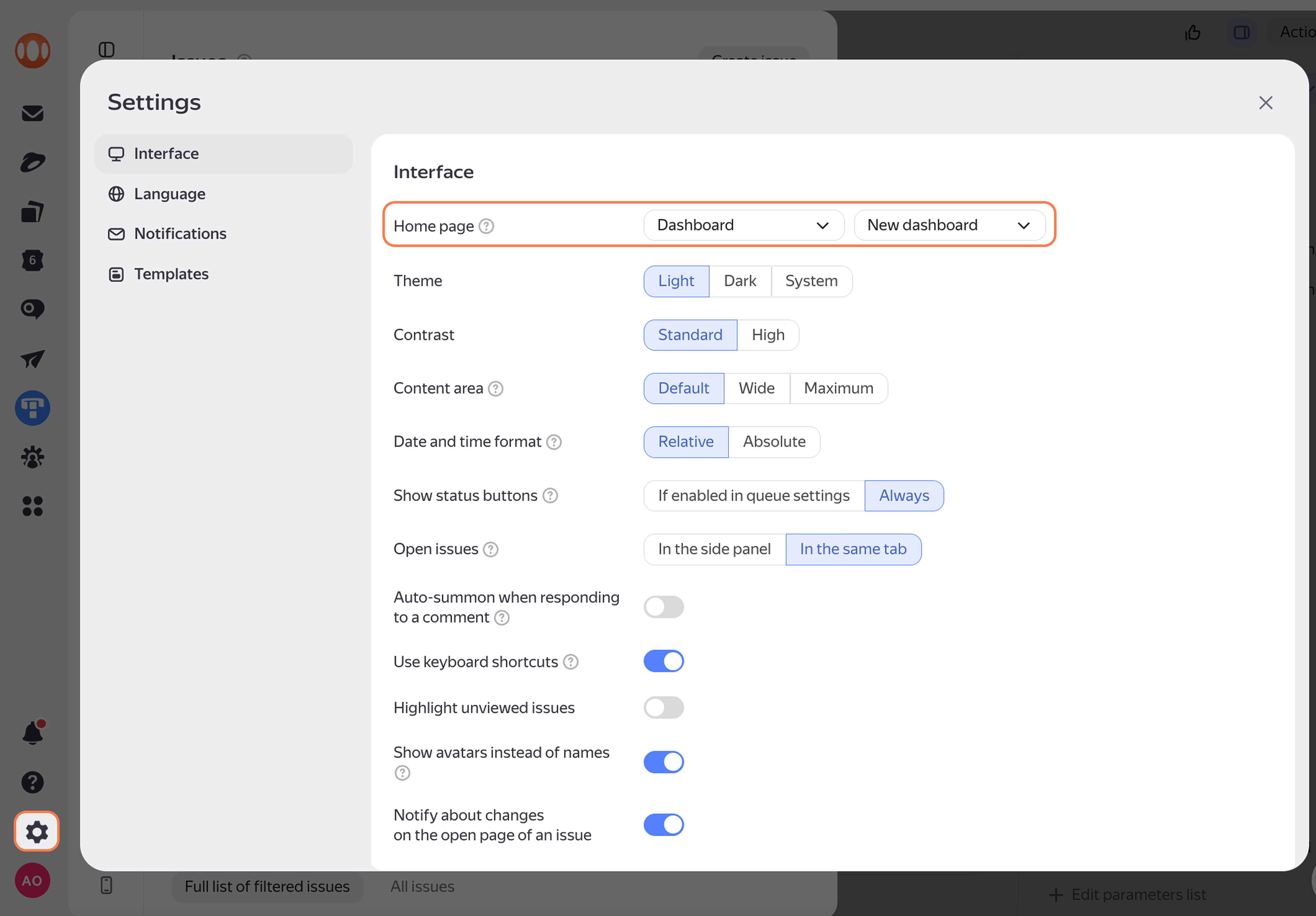
Tracker interface settings