The "Goals" widget
Shows a table with a list of goals. For example, add your team's goals here.
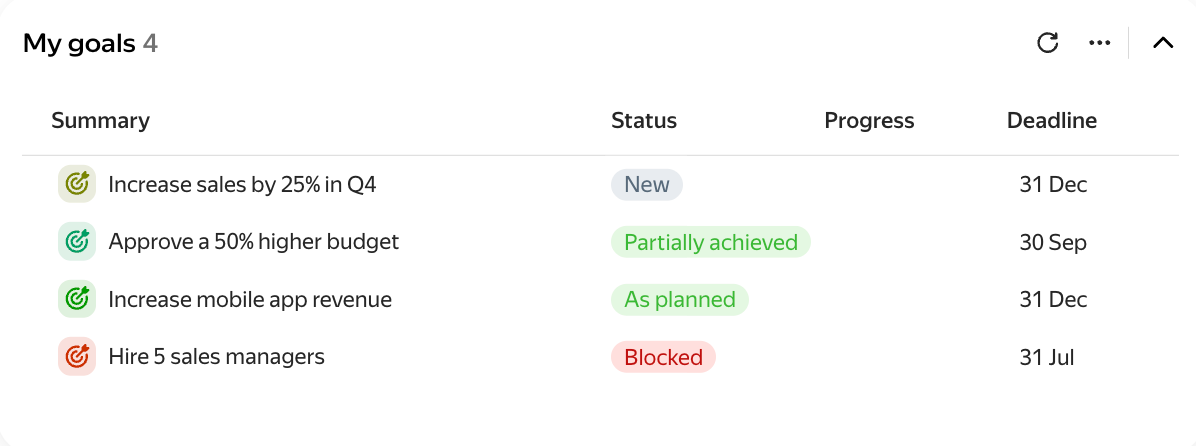
An example table
Widget actions
You can change some issue parameters right on the widget.
- To change a user or date, click the current value and select a new one from the drop-down list.
- To change the goal name, hover over it and click .
To sort the list by ascending or descending value, hover over a column (for example, Start date) and click the icon.

Widget settings
-
Rows per page — how many goals to show in the list. If there are more than you specified, a "Next" button appears at the bottom of the widget.
-
Columns — the issue parameter whose values become the table columns.
-
Data source → Parameters — configure goal search conditions using the buttons. How to add search conditions
-
Auto-update — how often the widget will update.
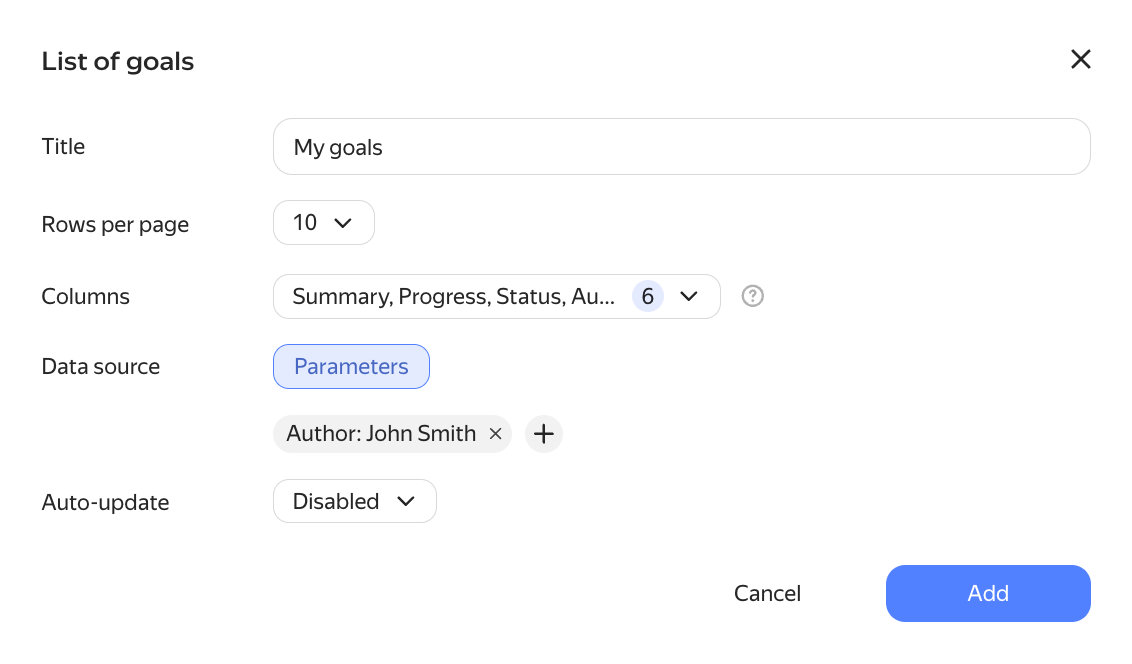
An example of settings
Was the article helpful?
Previous