Yandex Tracker change history for January 2026
Viewing wiki pages in the mobile app
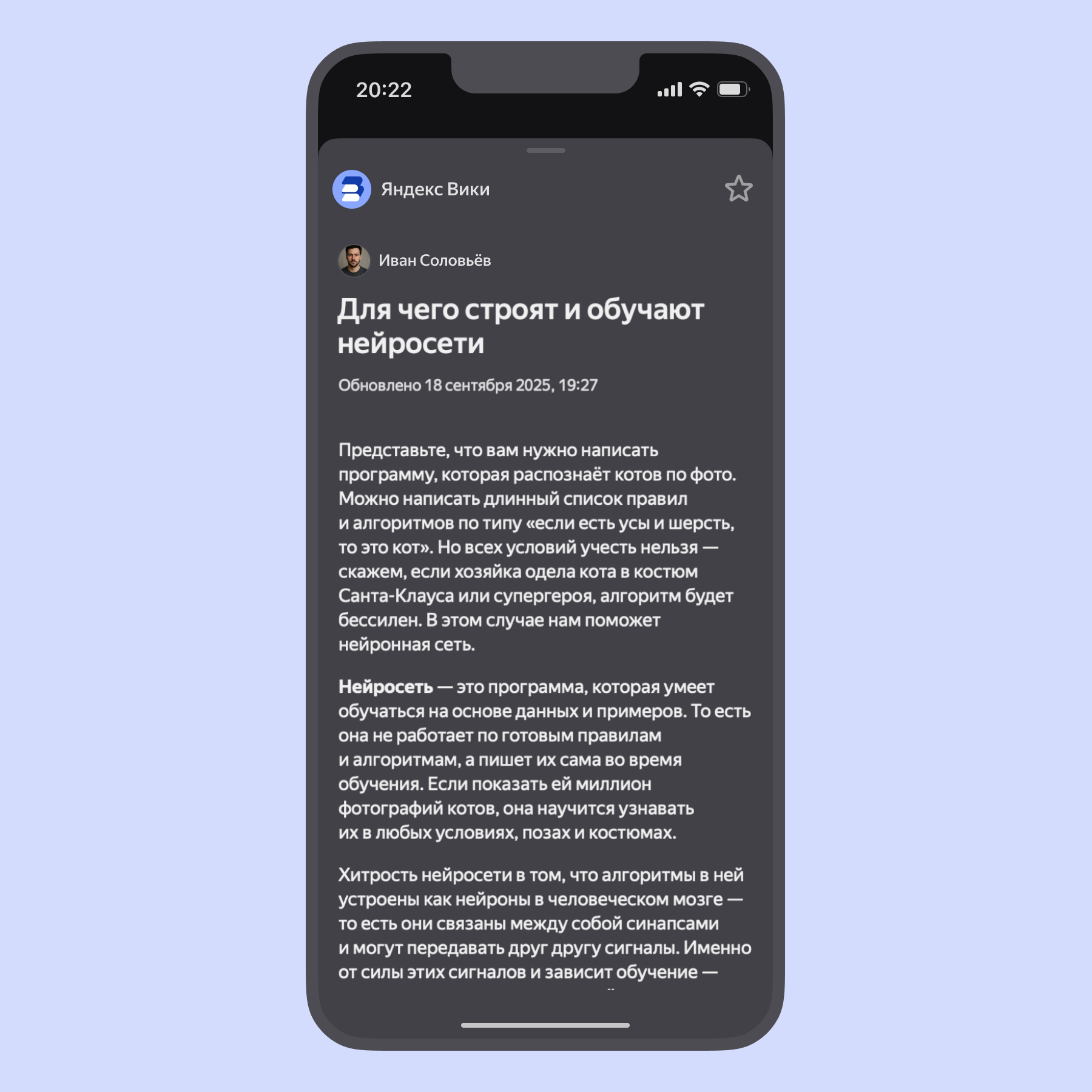
Now, when you tap a link to a wiki page, it opens in a slide-out panel right inside the Tracker app. To close the page, swipe it down.
In this menu, you can also save the page to your list of favorite pages in Wiki.
Editing an issue directly in the search results list
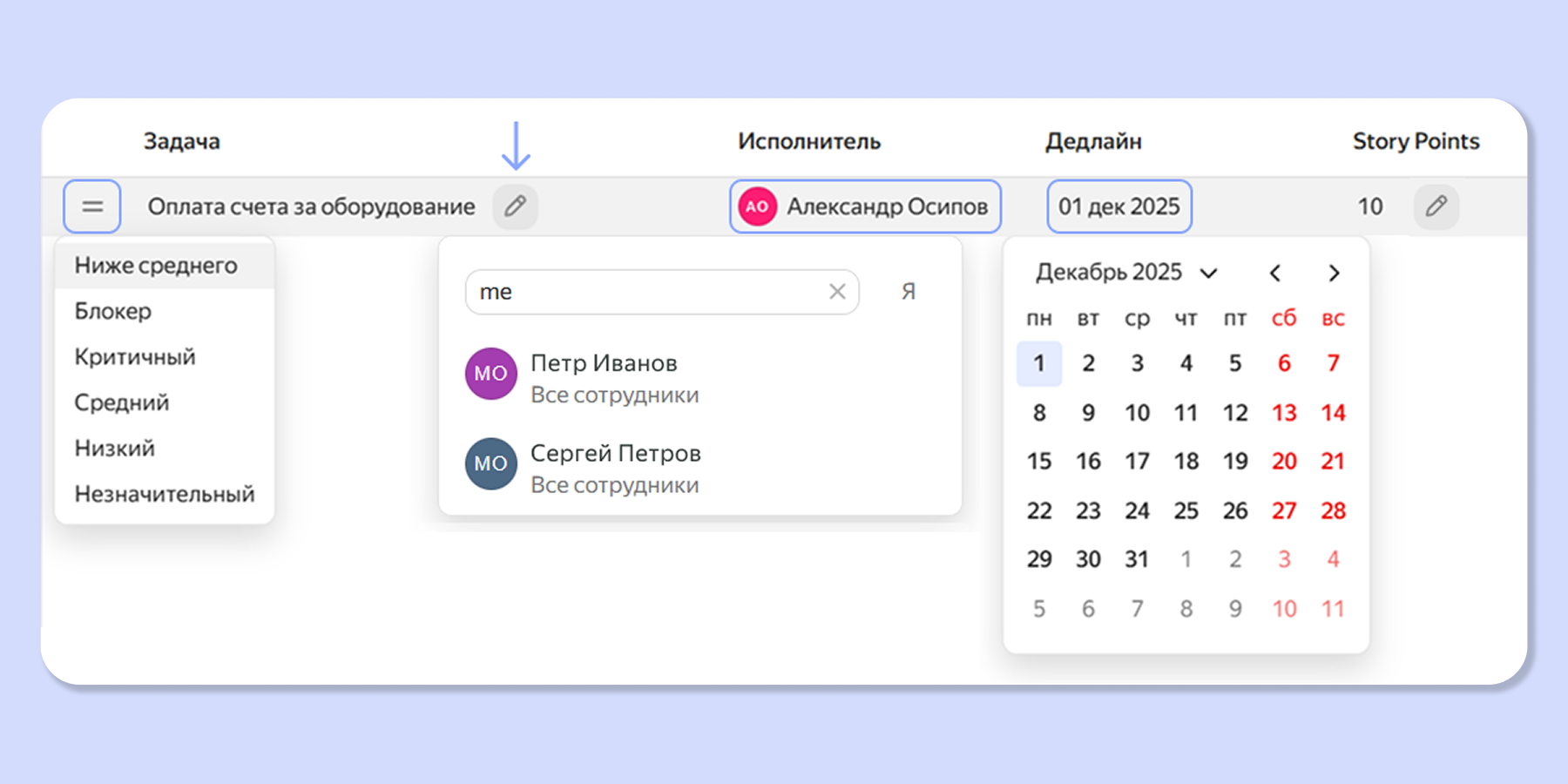
Tracker now lets you edit some parameters of an issue, project, or goal directly in the list without opening the object's page. Editing works on the queue or filter page, as well as on the Gantt chart.
Embedding Yandex Calendar in Tracker
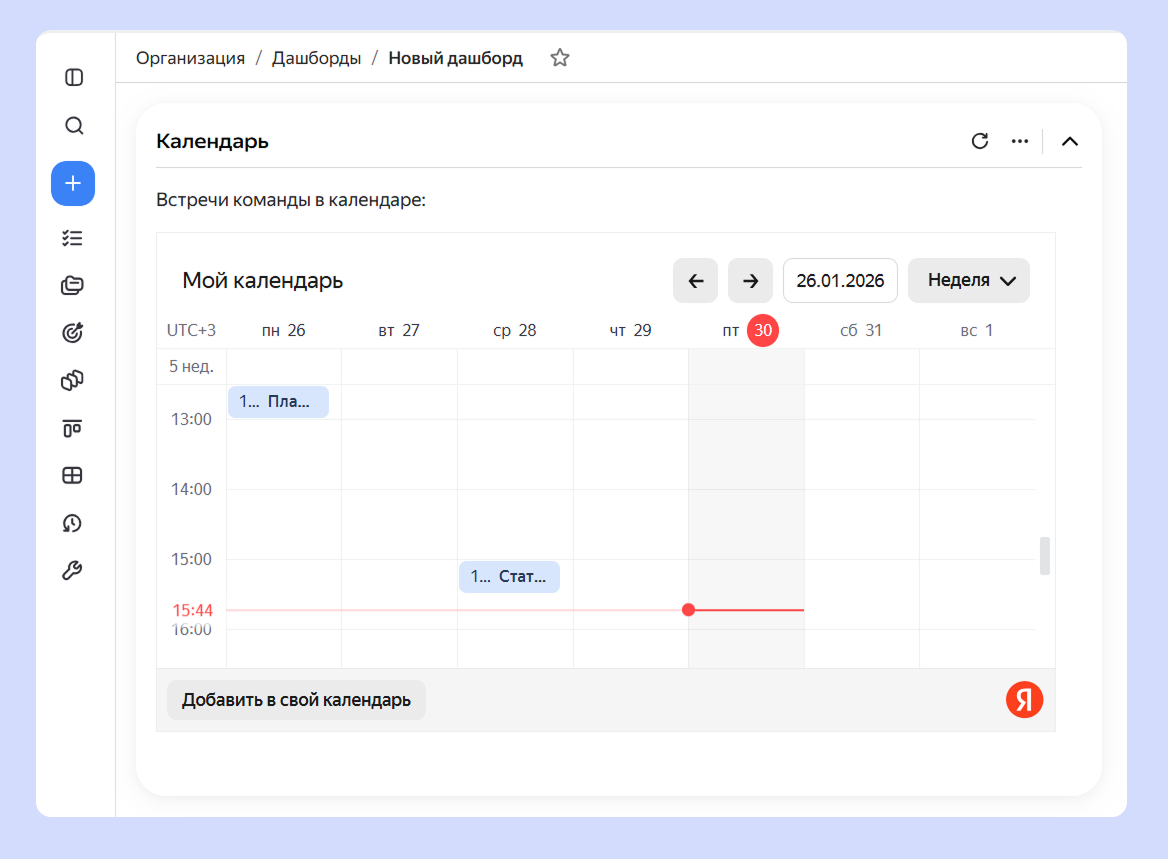
You can now embed Yandex Calendar in the description of an issue or project, or in a note on a dashboard. For example, you can add a Note widget to a dashboard and insert an HTML block with a calendar into it. How to add a calendar to a dashboard
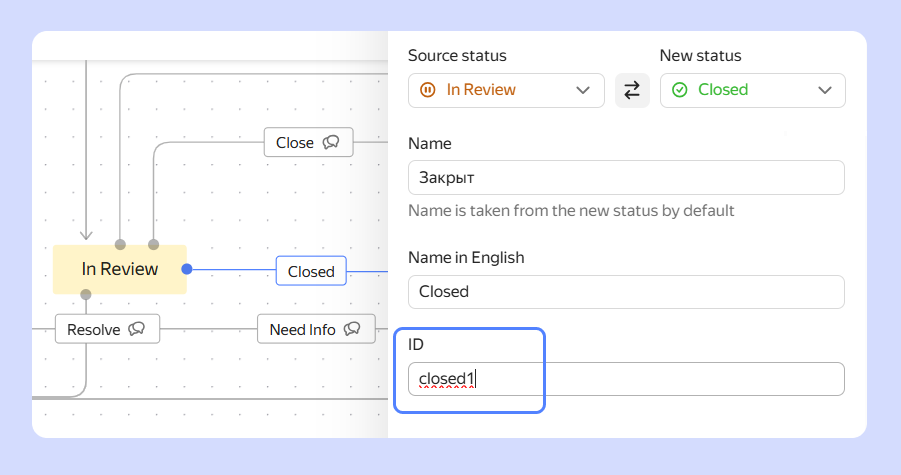
Editing a transition ID in a workflow
In the queue workflow settings, you can add and edit transitions between issue statuses. Previously, transition IDs were assigned automatically and could not be changed. Now you can set transition IDs manually.
For information about how to edit workflows and transitions, see Configure transitions between statuses in a workflow.