Yandex Tracker change history for December 2025
- Projects and portfolios in the mobile app
- A new way to calculate the performance metric
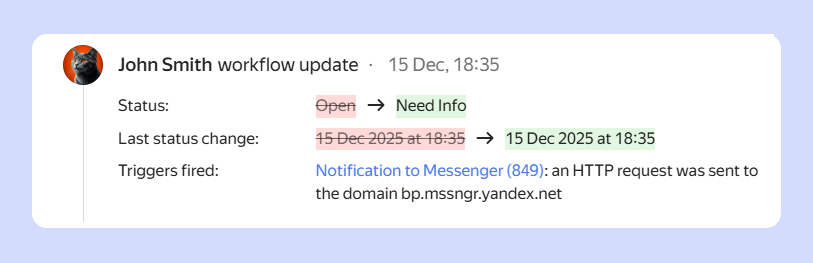
- A link to the trigger in the issue history
- A size limit for emails in the integration with the mail service
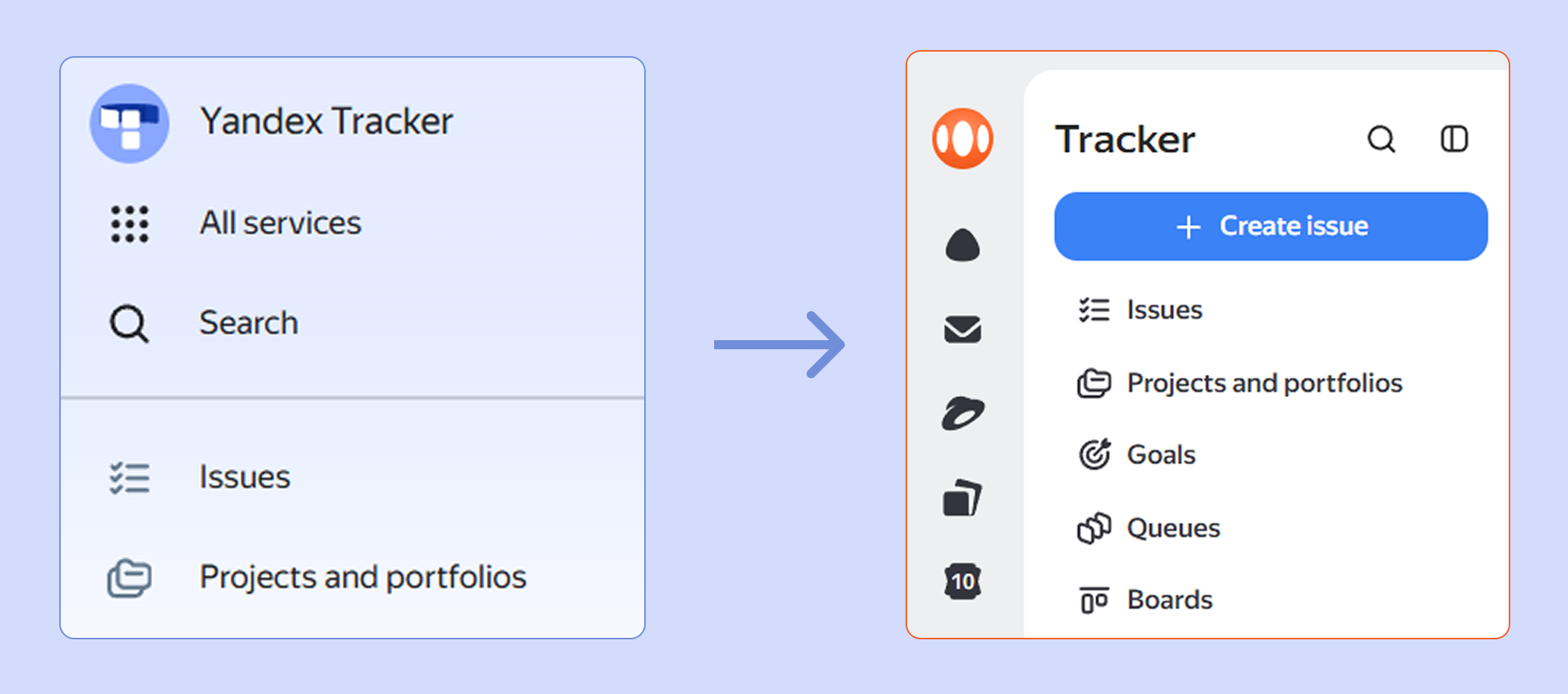
- Updated design of the left panel
New in the mobile app
We are adding features that were previously available only in the desktop version.
Projects and portfolios
The Projects and portfolios tool is now available in the Tracker app. On a mobile device, you can view a project's issue board, change parameters and links, and create and configure a new entity. For more information, see Projects and portfolios in the Tracker mobile app
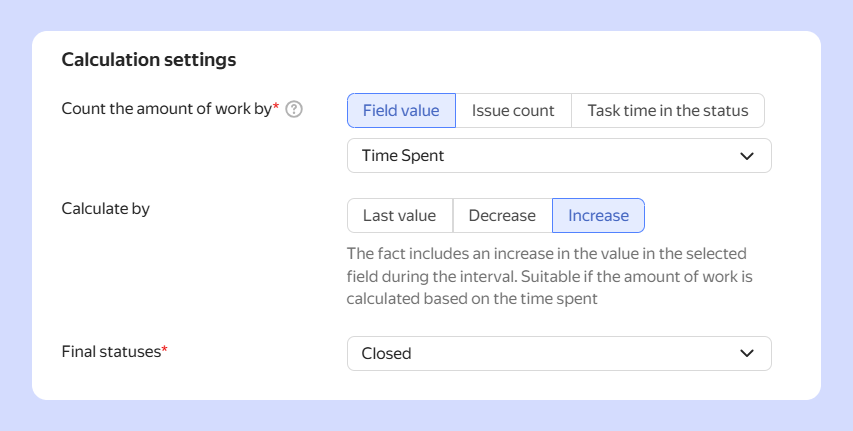
A new way to calculate the performance metric
The Team performance widget now offers new options for calculating the performance metric based on an issue field value: you can now use the difference between the field values at the beginning and the end of the time interval.
For more information about the widget, see Team performance widget.
A link to the trigger in the issue history
If a trigger fired in an issue, the change history now shows not only the trigger name but also a link to it.
A size limit for emails in the integration with the mail service
In Tracker, you can set up an email address for a queue to create issues from incoming emails. If you set up a queue address in a mail service that is not part of Yandex 360, Tracker will not process incoming emails larger than 30 MB (including attachments). Such emails will be placed in the archive folder specified in the mailbox integration settings.
How to set up a mailbox for a queue
Updated design of the left panel
Tracker now has a design consistent with other Yandex 360 for Business services. For Yandex Identity Hub users, the appearance remains unchanged.