Running a macro
To run a macro:
-
Open the issue page.
-
Click Macros. You can find the button in two areas on the issue page:
- At the bottom of the comment entry block.
- In the issue header at the top right of the page.
-
Select a macro from the drop-down list.
You can select multiple macros at the same time. If the macros affect the same parameter, the last selected macro will be applied to the parameter.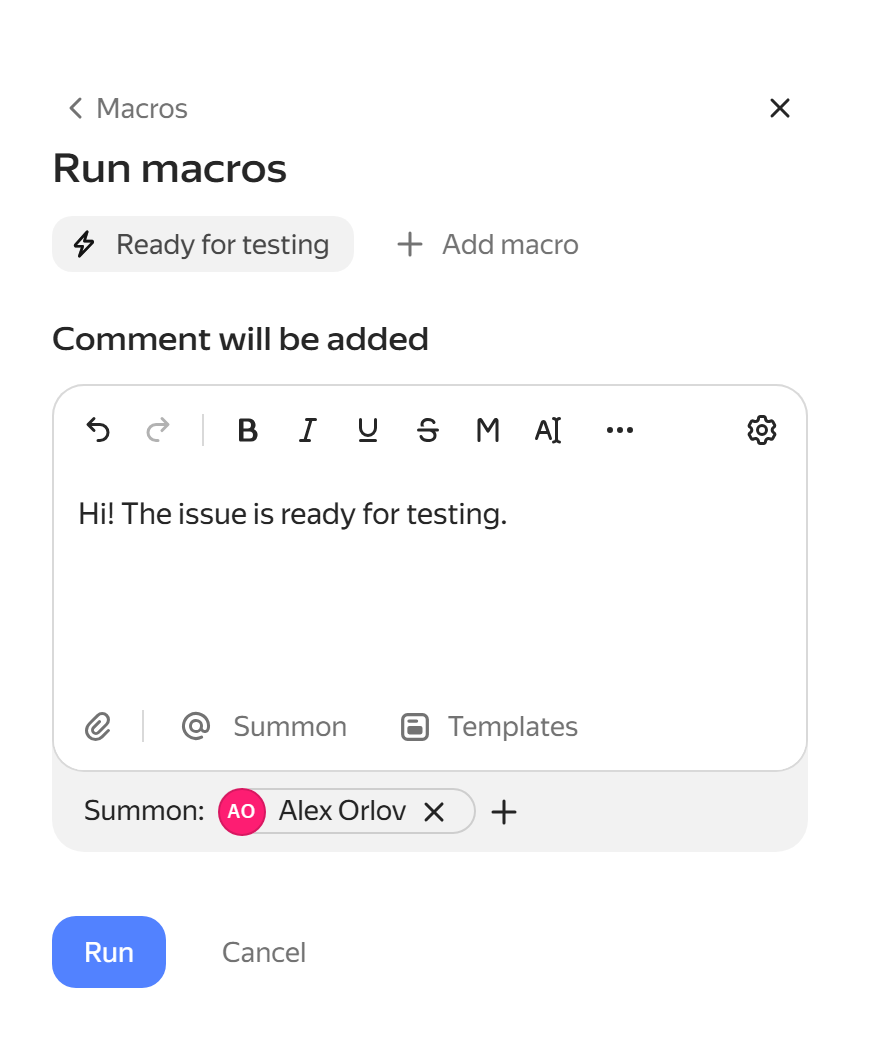
-
If necessary, edit the comment to be added by the macro and click Run.
Was the article helpful?
Previous
Next