Delete a review
To delete your review:
-
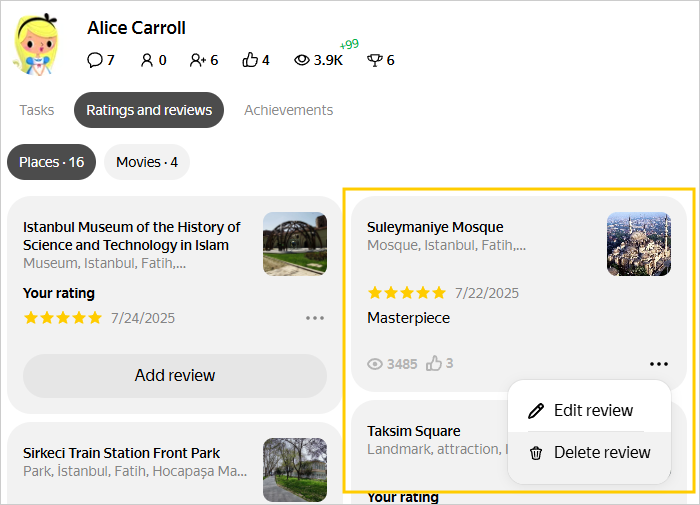
Go to the Ratings and reviews page.
-
Find the review on the Reviews tab.
-
In the bottom right corner of the review card, press
 → Delete review.
 -
Confirm the deletion by pressing Yes. The review won't disappear from the card immediately: this usually takes 1–3 days.
Warning
- You can't restore a deleted review.
- If you change your mind, you can leave a new review.
Was the article helpful?
Previous