Step 3. Select and create ads.
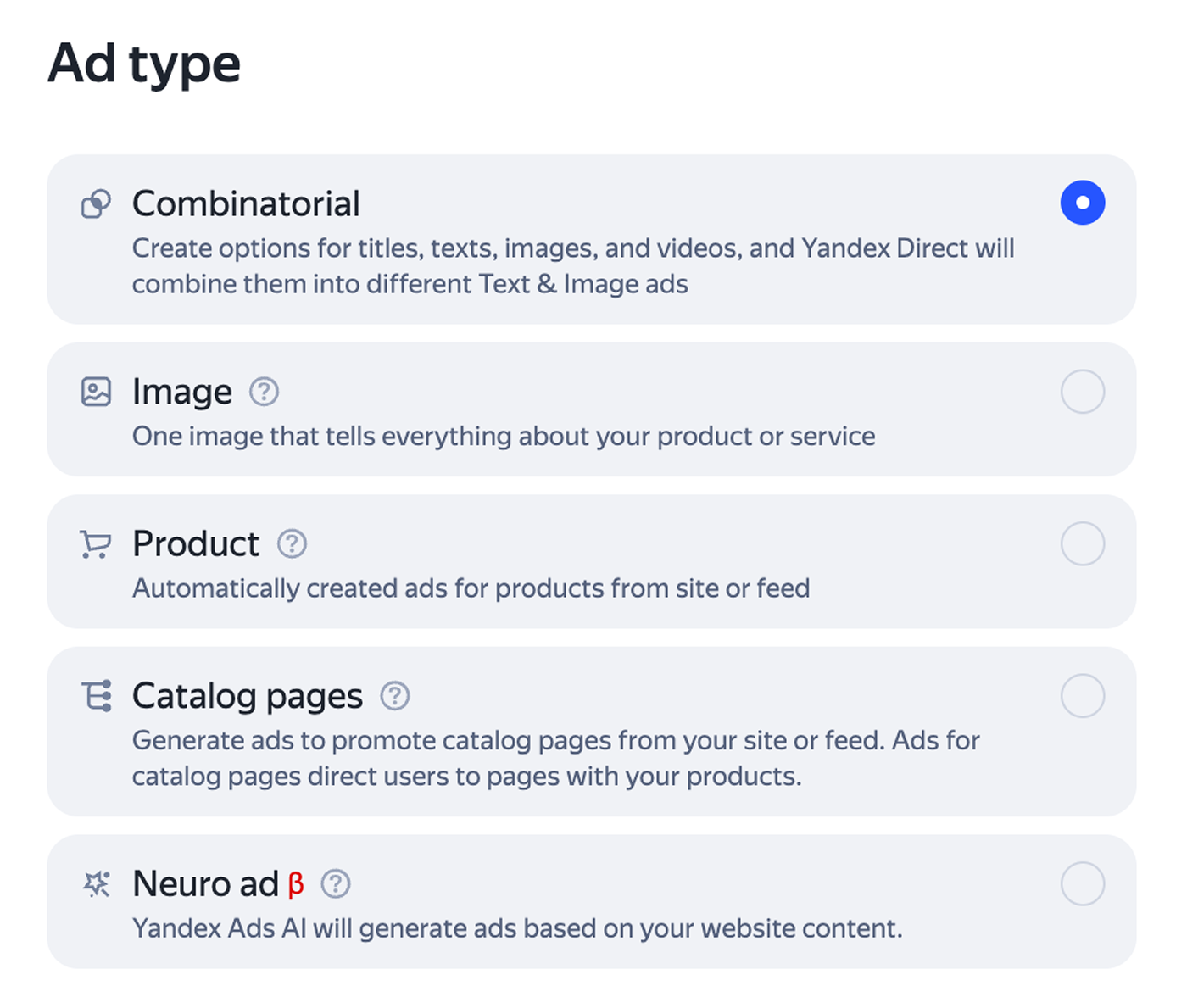
Select the ad type and configure the ad's design. A group may contain up to 50 ads.
Alert
Since June 30, Text & Image ads in unified performance campaigns are available for editing only. For campaigns that previously relied on Text & Image ads, create combinatorial ads.
On July 14, existing Text & Image ads started upgrading to combinational ads. For more information, see Upgrading Text & Image ads to combinatorial ads.
As an advertising data operator, Yandex assigns each creative a unique identifier (token) when creating campaigns. It uses this token to aggregate all your placement data and send it to the Unified Register of Online Advertising (ERIR). Learn more about ad labeling.
Ad moderation and launching a campaign
Once created, your ad will be reviewed for compliance with our requirements. Click Submit for review and accept the terms of the Offer that regulates how Yandex serves your ads. Moderators usually review an ad within a few hours. On weekends and holidays, moderation may take longer than on weekdays.
Your moderation results will be emailed to the address you provided when you created the campaign.
Once your ads pass the review, you'll receive a notification at the email address you provided when you created the campaign. The campaign status in the list will change to "accepted by moderator".
Your ads will start running as soon as Yandex processes your payment.
Setting up ads for promoting products on marketplaces
If you promote your stores on Yandex Market and Ozon:
-
Create a product ad. Select “Products from the marketplace” as the source and provide a link to your store or product on Yandex Market or Ozon. Yandex Direct automatically creates a feed. You can find it under Feeds.
-
Use filters to select the products you want to promote. For Yandex Market, you can filter products by category, name, description, manufacturer, price, and price before discount. For Ozon, you can filter them by name, description, price, and price before discount.
-
Create combinatorial or image ads by providing links to your store or a product on a marketplace.
-
Please note that ads for catalog pages won't work for sales on marketplaces.
Have questions?
Alert
Our customer support can only assist you with campaigns linked to the username you are contacting us from. You can check your username by opening ya.ru in another browser tab. Our team can access your data only when processing your request.
Scan the QR code or tap it to follow the link.


If you select Telegram or WhatsApp, keep in mind that Yandex does not control and is not liable for how third-party messengers store your data and chat history.