Calculating VAT
If you enable the VAT option, financial columns will display values that include the tax. For reports covering periods from January 1, 2026, the system uses a 22% VAT rate.
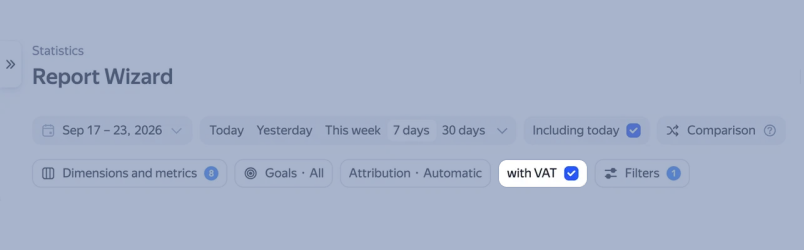
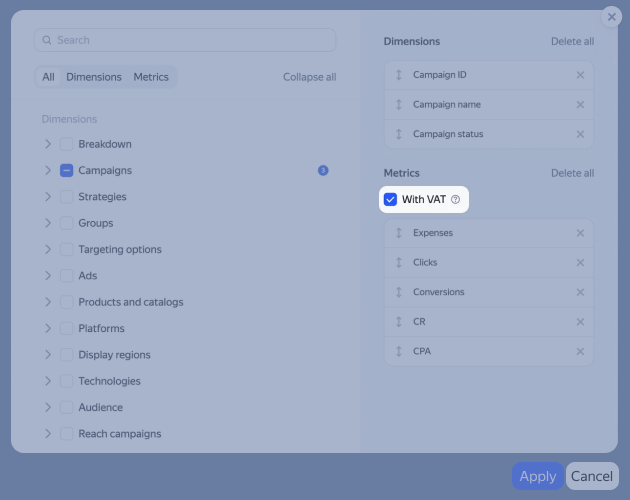
You can also enable VAT in the Dimensions and metrics settings.
Have questions?
Alert
Our customer service department can only help you with the campaigns created under the same username you use to contact us. You can check your username by opening ya.ru in another browser tab. Our team can access your data only when processing your request.
Scan the QR code or tap it to follow the link.


If you choose Telegram or WhatsApp, keep in mind that Yandex doesn't control and takes no responsibility for how third-party messaging apps store your chats and data.
Useful links
Legal documents
Training
Learn more
Was the article helpful?
Previous
Next