Attribution
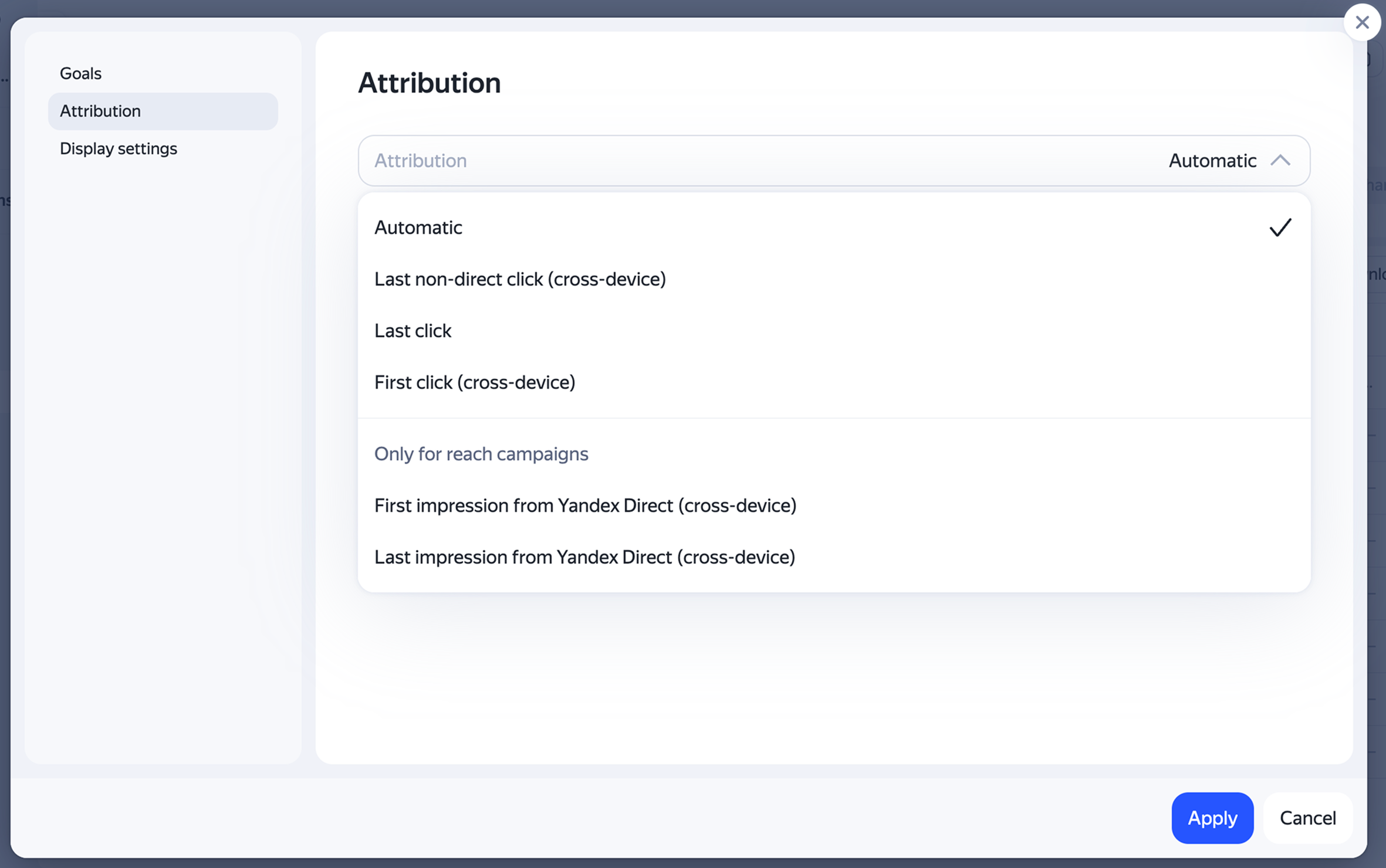
In the attribution settings, select the model to evaluate your campaign results:
-
Automatic attribution
-
Last non-direct click (cross-device)
-
Last click
-
First click (cross-device)
-
First impression from Yandex Direct (cross-device)
-
Last impression from Yandex Direct (cross-device)
Have questions?
Alert
Our customer service department can only help you with the campaigns created under the same username you use to contact us. You can check your username by opening ya.ru in another browser tab. Our team can access your data only when processing your request.
Scan the QR code or tap it to follow the link.

If you choose Telegram or WhatsApp, keep in mind that Yandex doesn't control and takes no responsibility for how third-party messaging apps store your chats and data.
Useful links
Legal documents
Training
Learn more
Was the article helpful?
Previous
Next