Native post with automatic channel selection
Native ad posts appear on the channel as regular posts and engage with its audience. Ad posts look like regular posts with organic content, featuring images, cards, or video. These ads can be shown to all users, including Telegram Premium subscribers. Our algorithm selects channels automatically based on your campaign settings.
Please note that ads in this format are currently in beta in Belarus. To participate in the beta test, contact our customer service department and request access.
Objectives achieved
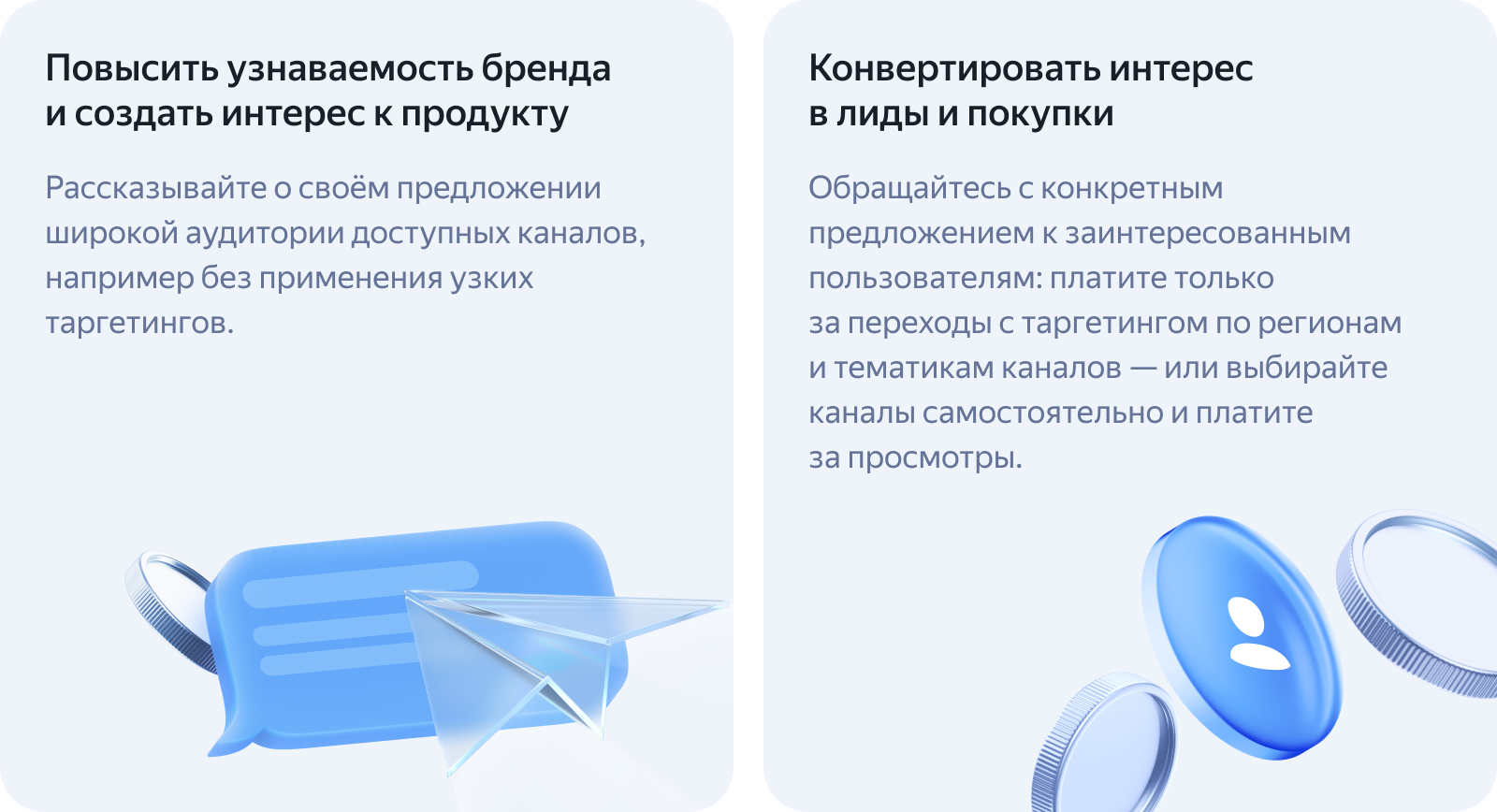
Reach audiences in messaging apps by launching ads across thousands of channels at once. Your ads run automatically using smart targeting based on channel topics, content descriptions, and location.
Advantages
- Pay only for ad clicks.
- Multiple formats: text, image, or video.
- Target users by channel topic, content description, and region,
- Show ads to all channel subscribers, even those with Telegram Premium.
- Automatic ad labeling.
- Moderation, anti-fraud, and Brand Safety tools.
- More high-quality placement channels: content creators develop and grow their platforms using Yandex ProBlogger.
Ad options
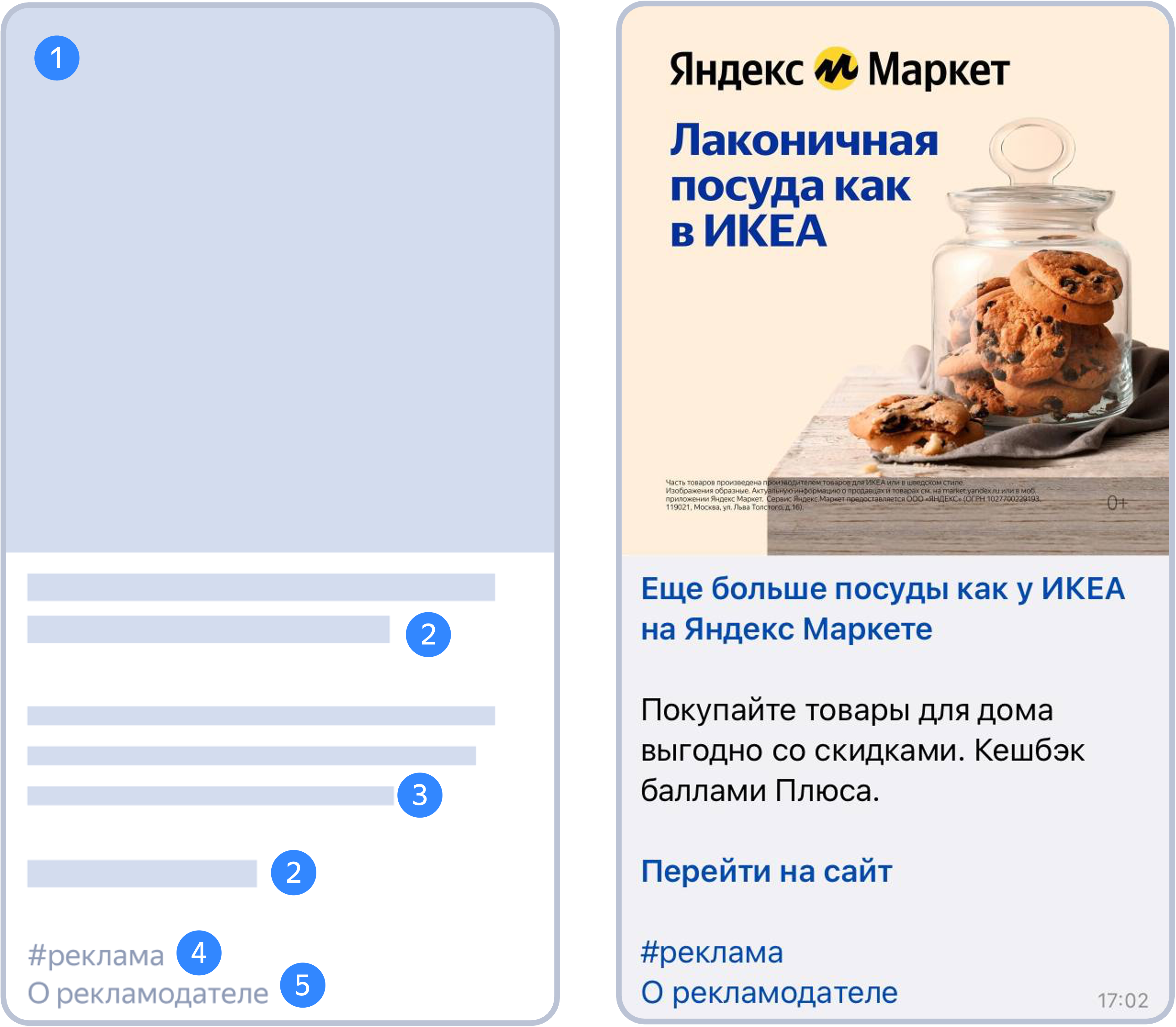
An ad looks like a regular channel post and contains:
- Image or video.
- Clickable title.
- Link to the advertised site.
- Ad text.
- “Ad” label.
- Link to advertiser information. Additional elements may be added: an age label or a notice.
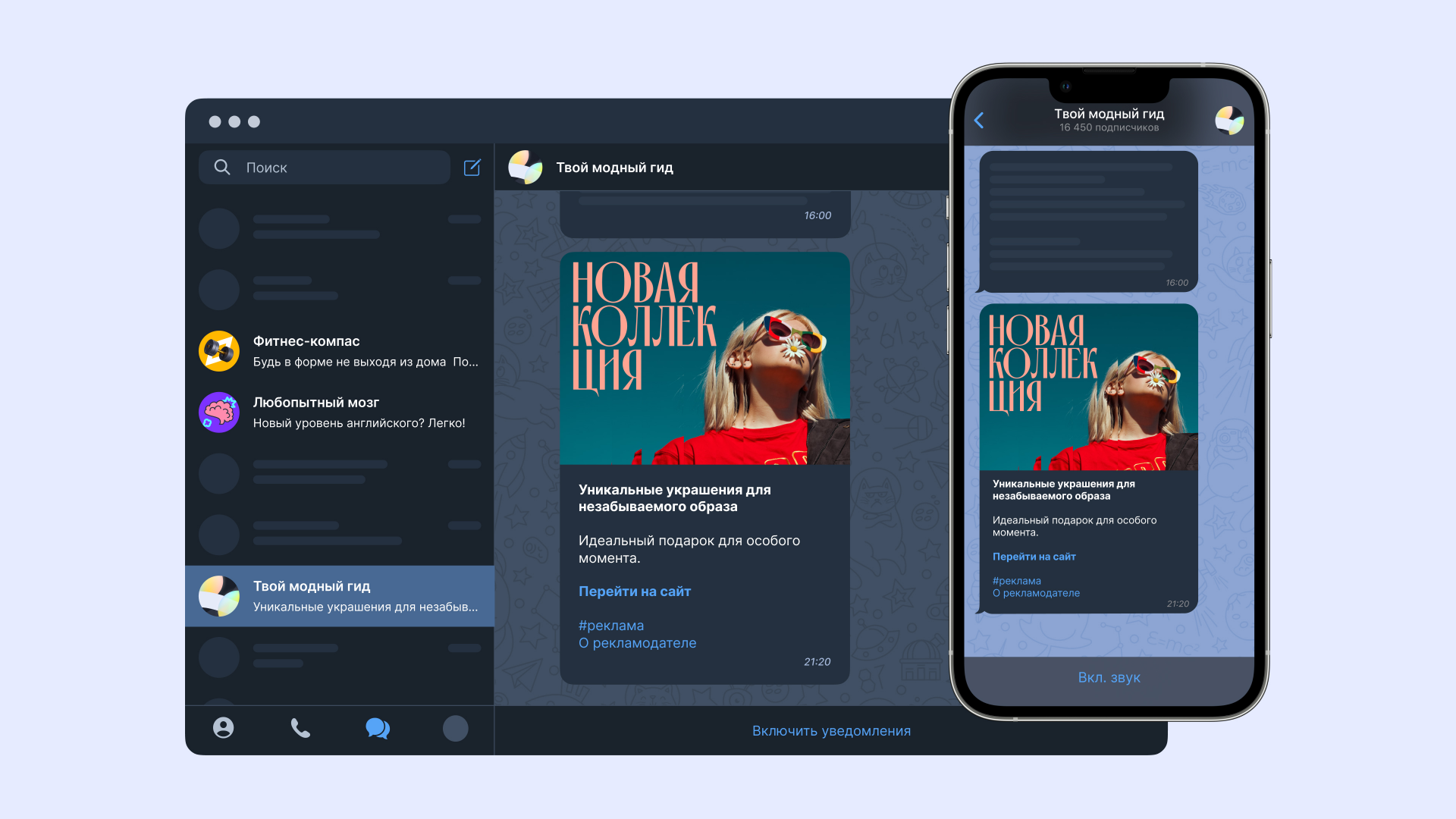
What ads look like in a messaging app
Campaign launch tips
-
Use ads featuring unique, varied creatives. Your creatives must met the technical requirements — they are the same as those for advertising in the Yandex Advertising Network.
-
Pay attention to the quality of your texts and creatives. This will help you increase the CTR of your ads.
-
Add a Yandex Metrica tag and specify conversion actions to track conversion statistics. This doesn't affect the performance of your campaigns.
-
Add multiple images and videos to increase the CTR. Make sure to incorporate visual storytelling, with each individual creative complementing and enhancing your message.
-
Make changes at the beginning of the week to ensure even ad delivery.
How to configure
For more information, see Creation and setup.
Have questions?
Alert
Our customer service department can only help you with the campaigns created under the same username you use to contact us. You can check your username by opening ya.ru in another browser tab. Our team can access your data only when processing your request.
Scan the QR code or tap it to follow the link.

If you choose Telegram or WhatsApp, keep in mind that Yandex doesn't control and takes no responsibility for how third-party messaging apps store your chats and data.